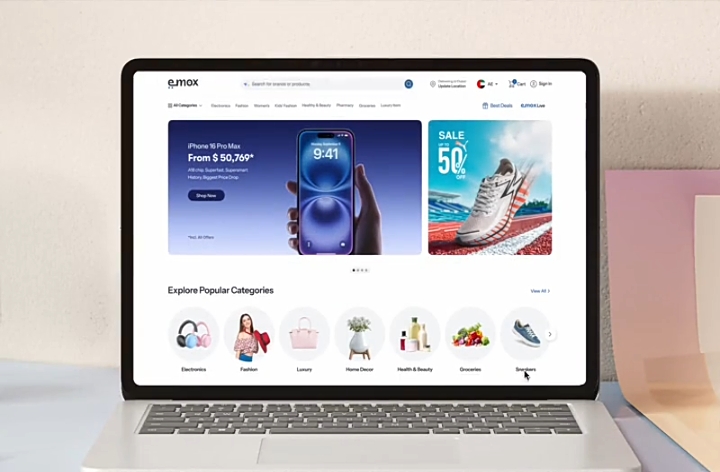
A laptop doesn't need to be expensive to be useful. But choosing the wrong one can leave you with a machine that is slow, uncomfortable or incapable of handling what you need.
For School and Everyday Use
For browsing, Microsoft Office, online classes, research, email and basic applications, you don't necessarily need a high-end machine.
Focus on getting enough RAM, a reasonably modern processor and an SSD.
An SSD is particularly important because it can make a laptop feel considerably faster than an older machine using a traditional hard drive.
For basic use, spending more on unnecessary specifications may not provide much additional benefit.
For Business and Professional Work
Business users should think beyond processor speed.
A good keyboard, comfortable display, battery life, build quality and reliability can matter just as much.
If you spend several hours every day working from your laptop, a slightly more expensive machine with a better screen and keyboard may be a much better investment.
[IMAGE PLACEHOLDER — Professional working on a laptop]
For Creative Work and Gaming
Video editing, 3D work, engineering software and modern games require considerably more hardware.
You may need a stronger processor, more RAM, a dedicated graphics processor and adequate storage.
This is where buying the cheapest laptop can become a false economy. A machine designed for basic office work may technically run some demanding software, but that doesn't mean it will run it well.
Don't Ignore Storage and RAM
Two specifications deserve particular attention: RAM and storage.
RAM affects how well the computer handles multiple applications at once. Storage determines how much you can keep on the machine and, depending on the type of drive, can significantly affect performance.
An SSD should generally be preferred over an old mechanical hard drive for a modern laptop.
Think Beyond the Specifications
Two laptops with similar processors can feel very different in everyday use.
Build quality, cooling, display quality, keyboard, battery life, ports and software support all matter.
So don't choose a laptop based on a single specification.
Choose according to the work you expect the laptop to do. That will usually lead to a better purchase than simply buying the biggest number on the specification sheet.

0 Comments
Be the first to comment.